


The moment you notice you’re out of something is almost never a moment when opening an app is convenient. Your hands are wet. You’re driving. You’re holding a pan. By the time you’re free, you’ve forgotten.
That gap — between noticing and recording — is where shopping lists actually fail. Not in the shop. So a decent chunk of Nimblist is about closing it, and none of it involves opening the app.
Here’s which method suits which moment.
Hands full in the kitchen → voice
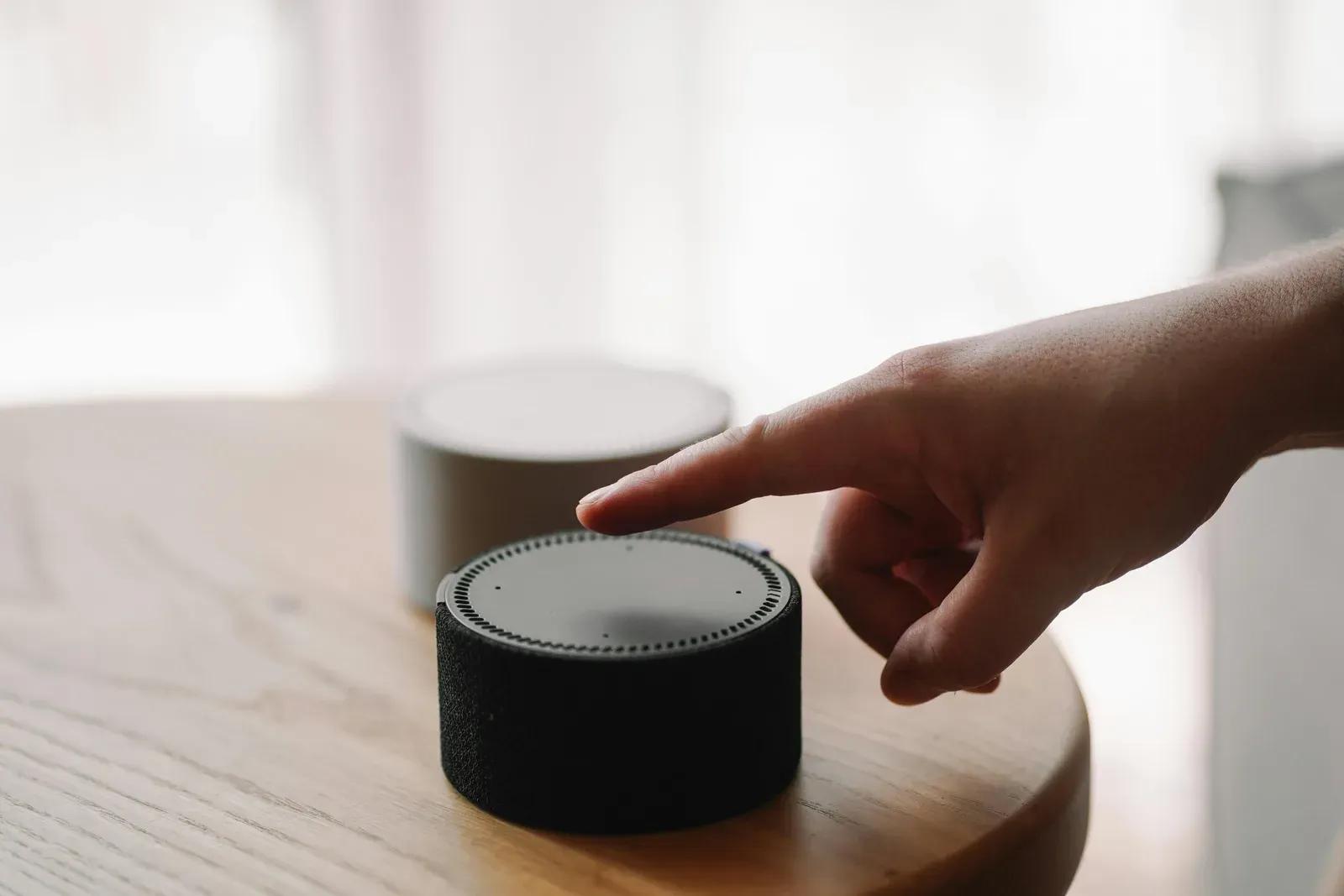
If you have an Echo, the Alexa skill adds to your shared list by voice. Link your account once and it goes straight onto the same list everyone else in the house can see.
One thing worth knowing up front: you need the explicit phrasing — “Alexa, ask Nimblist to add milk.” Bare phrasings like “add milk to my shopping list” get intercepted by Amazon’s own built-in shopping list, which is a different list that nobody else in your household is looking at. That’s an Amazon routing behaviour rather than a Nimblist one, and the explicit form is the reliable way around it.
If you run Home Assistant instead, the integration exposes your lists as native
todo entities — so they work with whatever voice assistant, dashboard or
automation you already have, and they don’t depend on a cloud voice service at
all.
Browsing a recipe on your laptop → the browser extension
You’re reading a recipe on some site with eleven paragraphs of preamble. The browser extension captures the page and pulls out the actual ingredients, then puts them on a list.
It’s on the Chrome Web Store and on Firefox Add-ons. This is the fastest route from “that looks good” to “it’s on the list” without retyping anything.
Recurring or rule-based → automation
Some things you need on a schedule, or as a consequence of something else happening. The Zapier integration gives you triggers and actions over shopping lists, so you can add items from any of the thousands of apps Zapier already connects to — or fire something else off when an item gets added.
This is the least glamorous option and quietly one of the most useful, because it handles the recurring stuff you’d otherwise re-add by hand every few weeks.
Away from a computer entirely → your phone
The mobile apps are on the App Store and Google Play. Obvious, but worth saying because of what happens underneath: everything above syncs to every device in real time. Something added by voice in the kitchen is on your partner’s phone before they’ve reached the shop.
That’s the actual point of all of this. Five entry points, one list.
The part that makes it work
None of these routes would matter if the list itself were a private thing you had to remember to share. Shared lists are the default and they’re free and unlimited — no per-seat pricing, no “upgrade to share with your household”, which would be a strange thing to charge for in a shopping list app.
Items added by any route also get sorted into aisles automatically, so a list assembled by four people through four different channels still reads like a walk through the shop. There’s a post on how that works if you’re curious.
If you’re setting this up for the first time, the shared shopping list guide is the place to start, and the guides index has the individual setup walkthroughs.
Or just make a list and add the rest of it later.
Nimblist is free for unlimited shared lists. Shopping lists, recipes and meal planning, in sync across your household.
Get started free